GUIDES
Learn how to get the most out of ClickLore through step-by-step tutorials, practical examples and detailed documentation.
WATCH ON YOUTUBE
Video Tutorials
View all on YouTube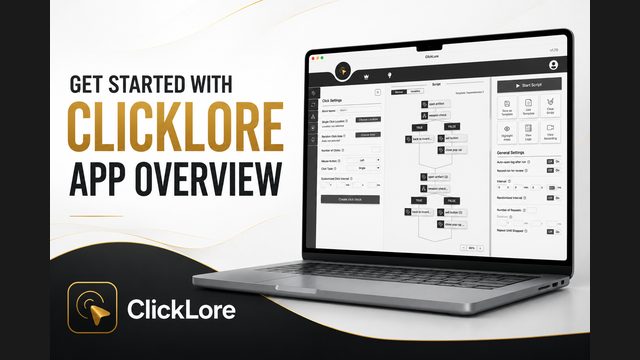
Getting Started with ClickLore | App Overview
In this first video we look at what ClickLore is, what you can use it for, and how the main workspace is organized: the Block Menu, the Script Area, and the Right Panel.
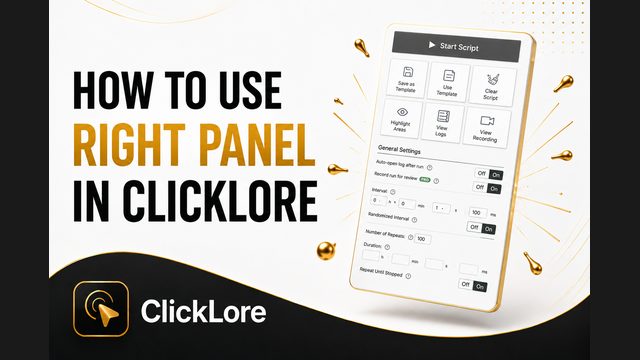
How to Use the Right Panel in ClickLore
This is the panel that runs your script, stores it as a template, shows you what happened, and controls how the whole thing behaves.

How to Create Click Actions in ClickLore
We go through every field of the click block: Block Name, Single Click Location and Random Click Area, Number of Clicks, Mouse Button, Click Type, and a custom click interval that overrides the general one.
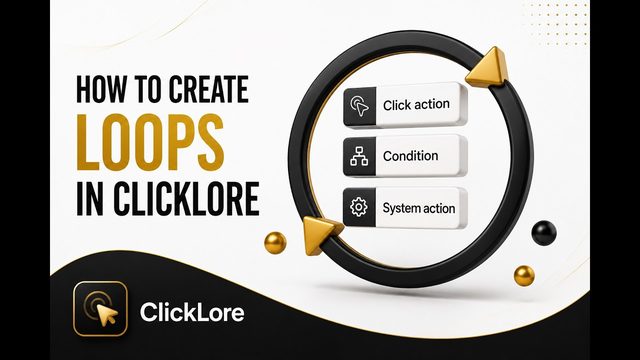
How to Create Loops in ClickLore
A loop repeats the same group of actions as many times as you need, so you build the sequence once instead of copying blocks over and over.
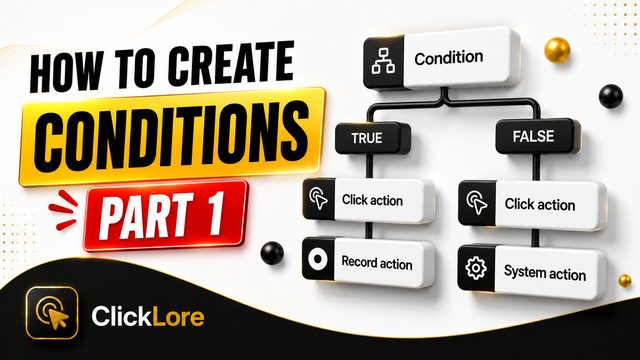
How to Use Text Conditions in ClickLore
A condition lets your script read the screen and decide what to do next, instead of clicking blindly through a fixed sequence.
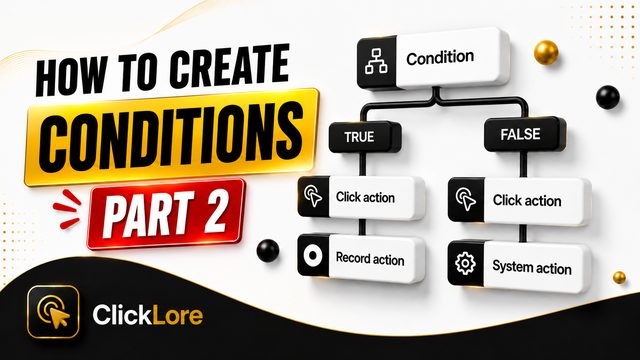
How to Use String Dependencies in ClickLore
This is part two of the conditions series, and it solves a real limit we hit last time.
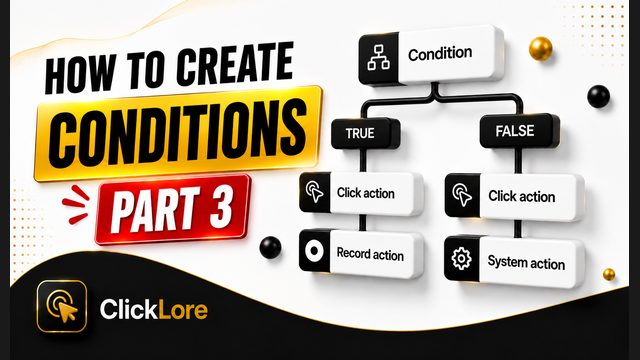
How to Use Numeric Conditions and Field Detection in ClickLore
This is part three of the conditions series, and it covers the two checks that are not about words.
How to Use Record Settings in ClickLore
Record Settings capture a sequence of clicks and scroll actions once, then replay them as a single block in your script.
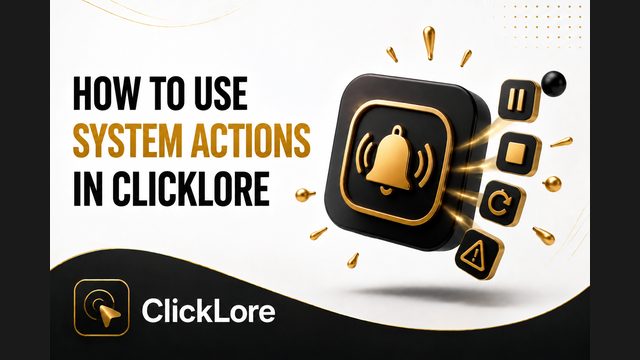
How to Use System Actions in ClickLore
System Actions control what the script itself does: stop it, restart it from the first block, pause it at the current step, or play an alert sound to get your attention.

How to Use Variables in ClickLore
A variable is a value the script keeps and changes while it runs, and it turns a long repetitive script into a short one.
Documentation
Overview
The app helps you build an automation script by creating blocks and arranging them in the order you want them to run.
Instead of writing code manually, you configure actions through the interface. These actions are then turned into visual blocks that can be added to your script.
Depending on what you want to automate, you can create different types of blocks, such as click blocks, loop blocks, condition blocks, recording blocks, and system action blocks.
The app is designed around a simple visual workflow: create a block, add it to the script, arrange it in the correct order, and then run the script.
Click Settings
Loop Settings
Condition Settings
Recording Settings
System Action Settings
Right Panel
Script Section
Variables
Need help or have a question?
We are here to help you.